
Platform
What your staff need, in one platform
Chat, meetings, files, calendar and workflows with one sign-in and one set of permissions. Everything runs on Eurion’s own infrastructure, not in a US cloud.
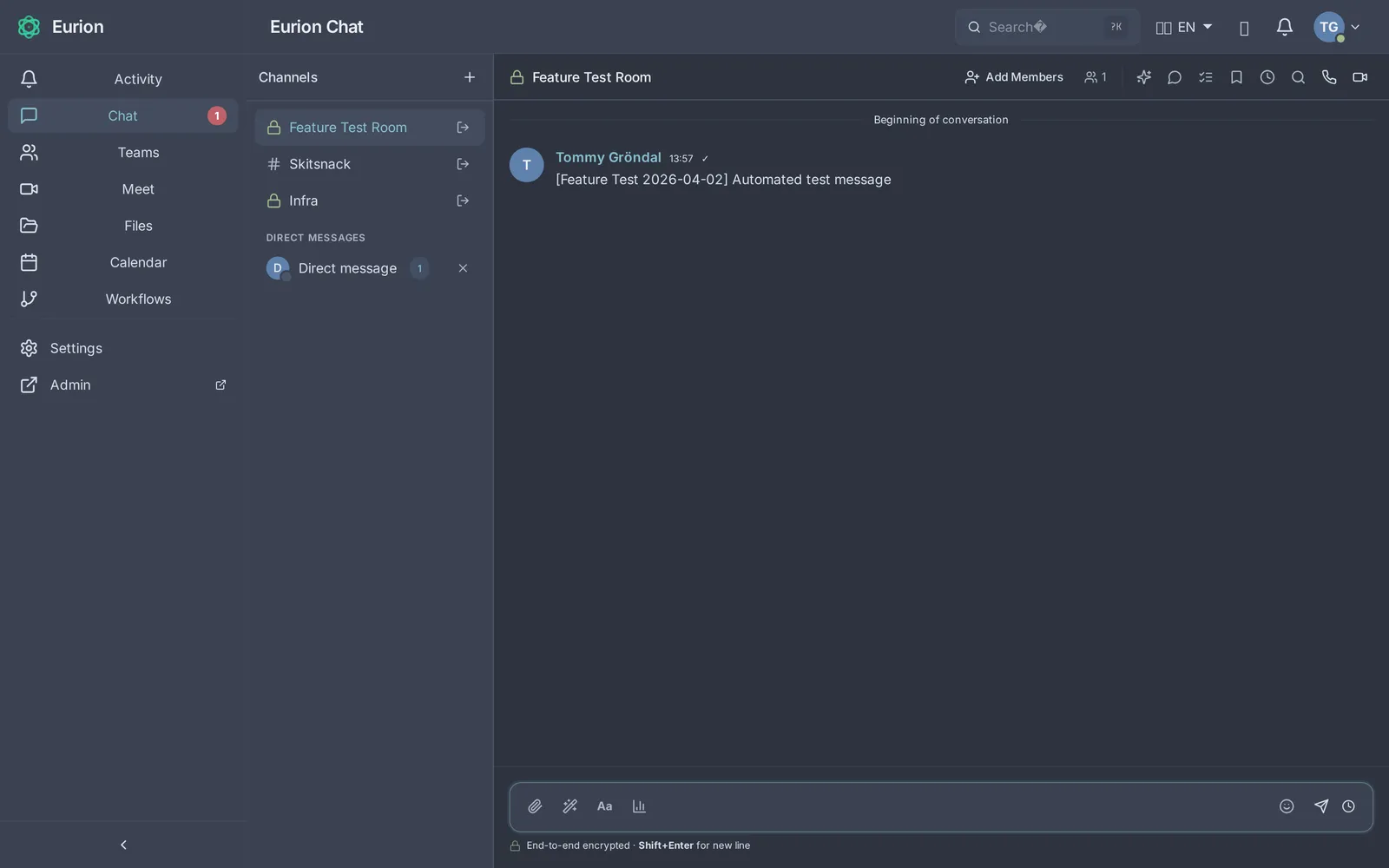
Chat and channels
Organise work in teams and channels, or message a colleague directly.
- Threads, reactions, mentions and file sharing
- Search across messages, files and people
- Channels can be shared with other organisations on Eurion
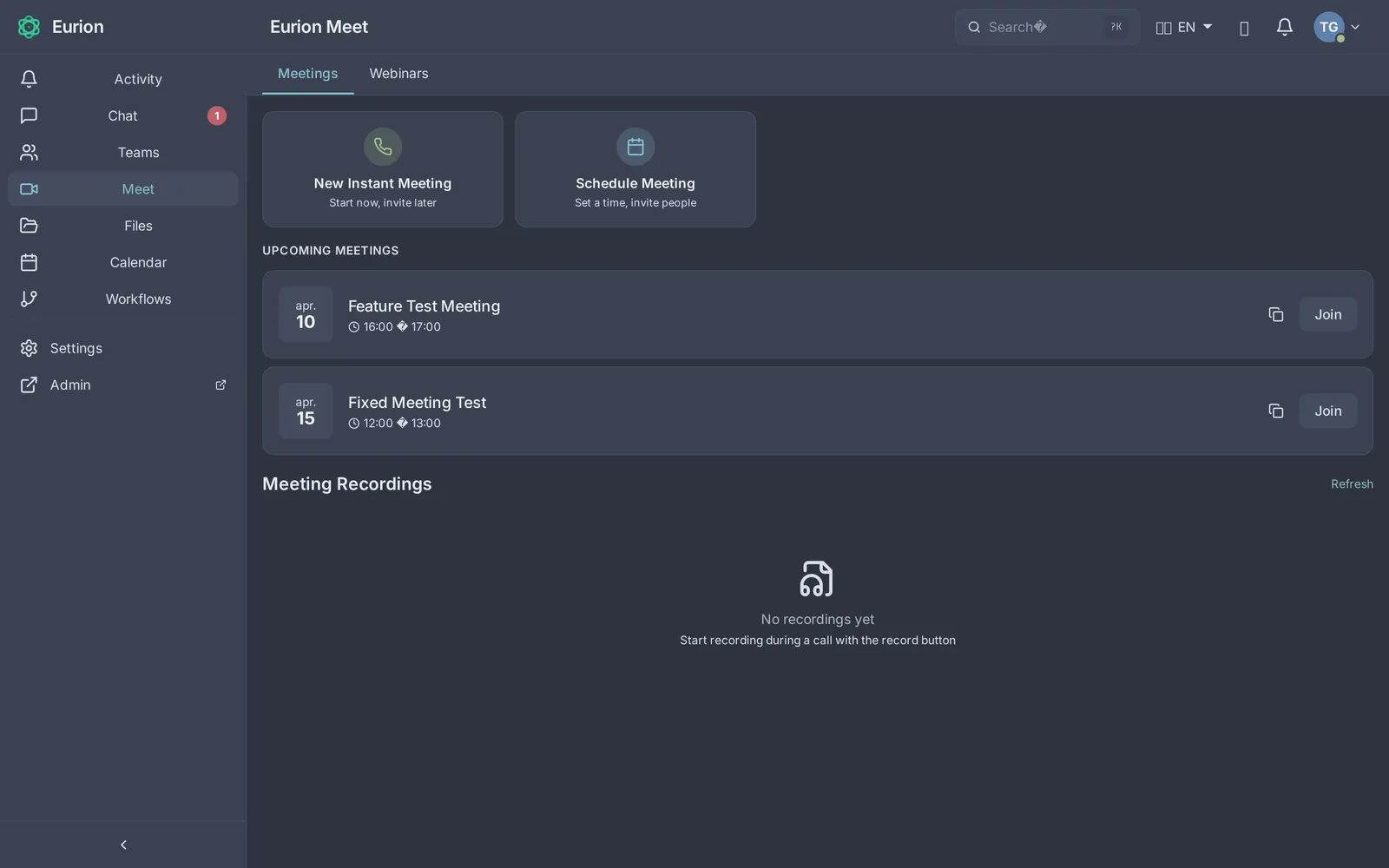
Video meetings
Meetings in the browser, with no plug-in or install.
- Screen sharing, recording and breakout rooms
- Shared whiteboard
- Transcription and meeting notes in Swedish and English
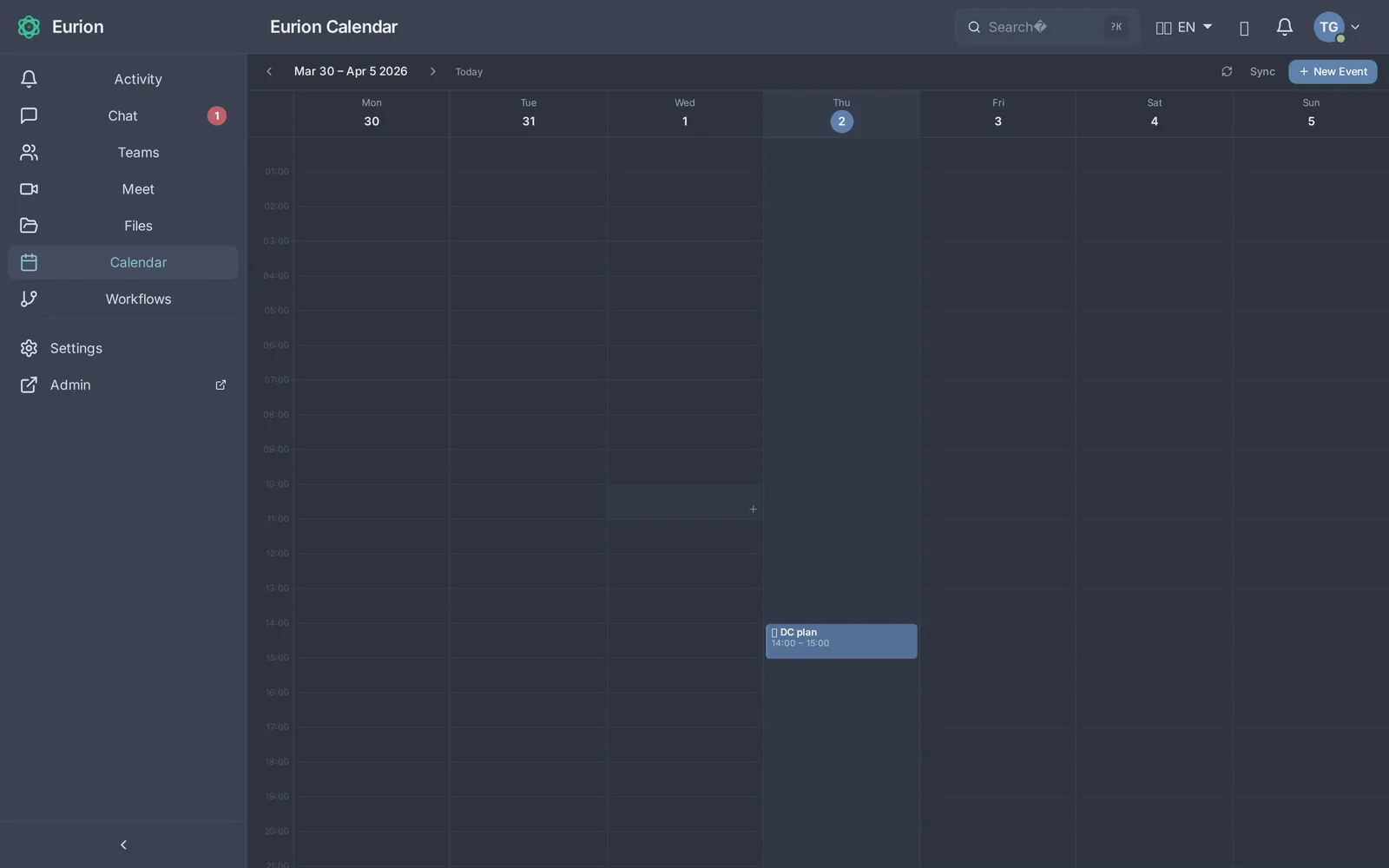
Calendar
Book meetings and see when colleagues are free.
- iCal invitations that work with other calendars
- Meeting room and video link created automatically
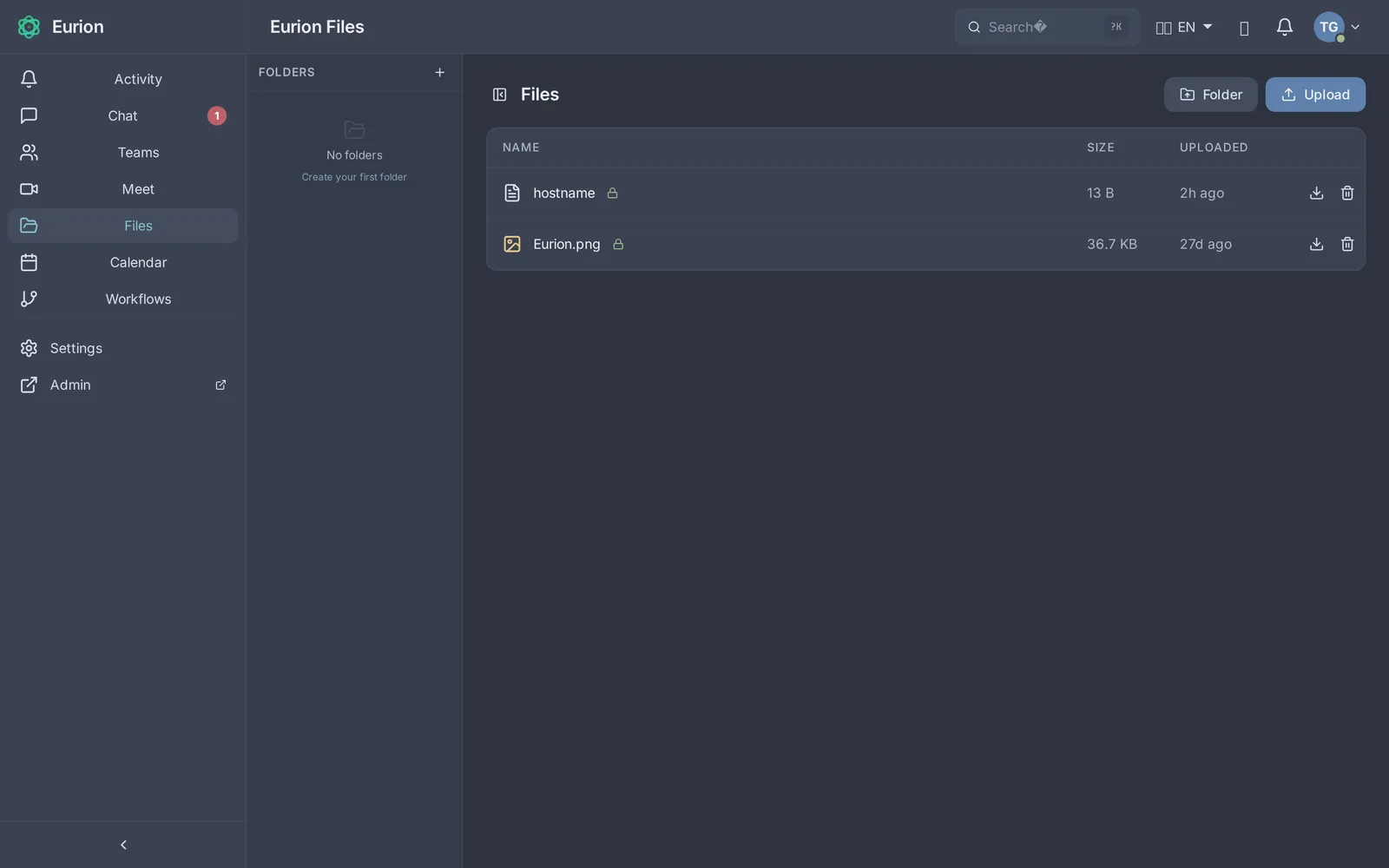
Files
Share documents in teams and channels.
- Version history and previews of common file formats
- Virus scanning of every upload
- Permissions follow teams and channels
AI that stays on the platform
Eurion’s AI features use language models that run on the same servers as the rest of the platform. Meeting content is never sent to OpenAI, Microsoft or any other outside AI service.
- Meeting summaries with decisions and action items
- Meeting transcription
- Help finding things in chat and files
Administration and sign-in
Administrators manage users, teams and policies in a separate admin console.
- Sign-in with SAML or OpenID Connect against your existing directory
- Two-factor authentication
- Audit log of administrative events
- Erasure of personal data under GDPR Article 17
Coexistence with Microsoft Teams
Few organisations switch everything in one day. The Eurion bridge connects Eurion with Microsoft Teams and Entra ID during the transition, so channels, meetings and the directory can be reached from both sides until the move is done.
Try it yourself
The demo environment has every feature on this page.